

1
Open Internal Notes
To add a note, simply click on View Internal Notes on the left panel of the orders page.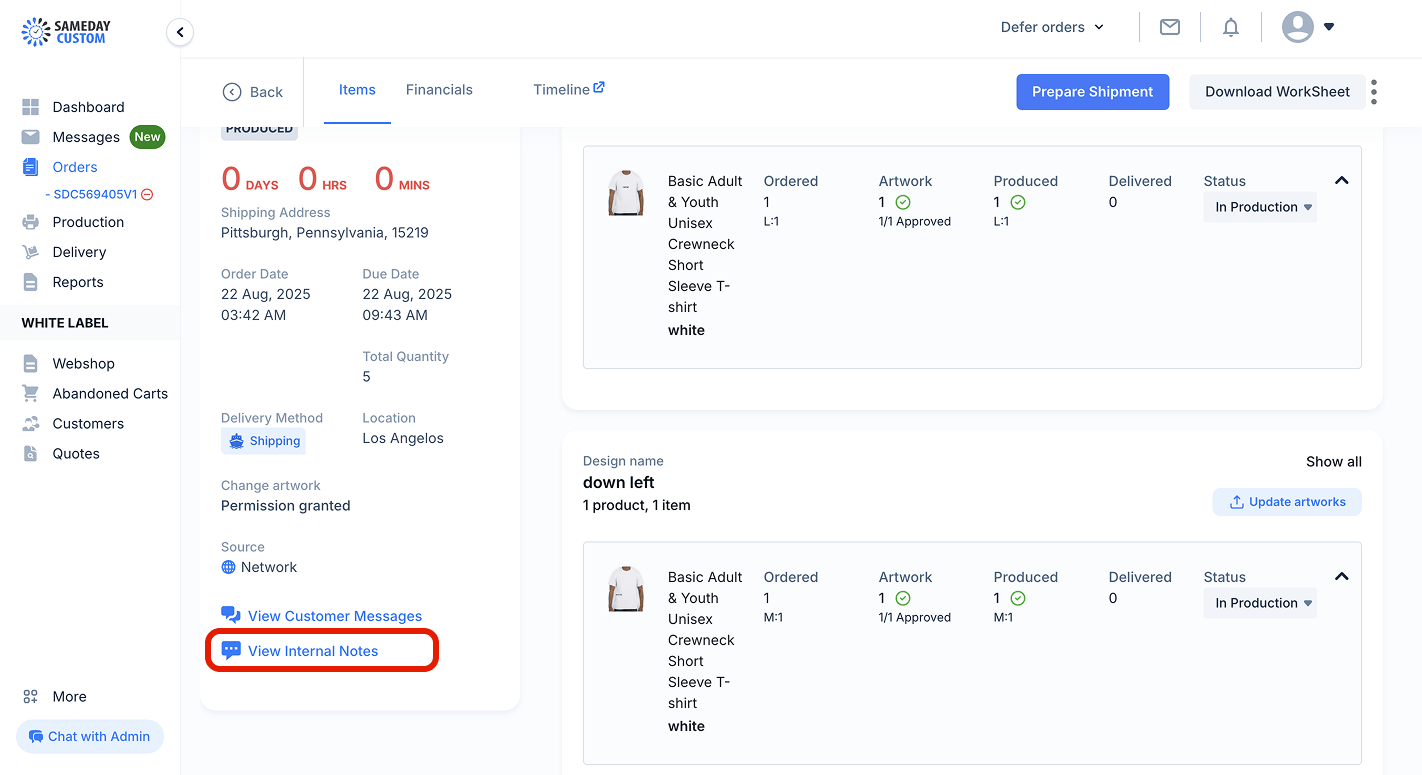
2
Click on the input field
Click on the input in the Internal notes panel.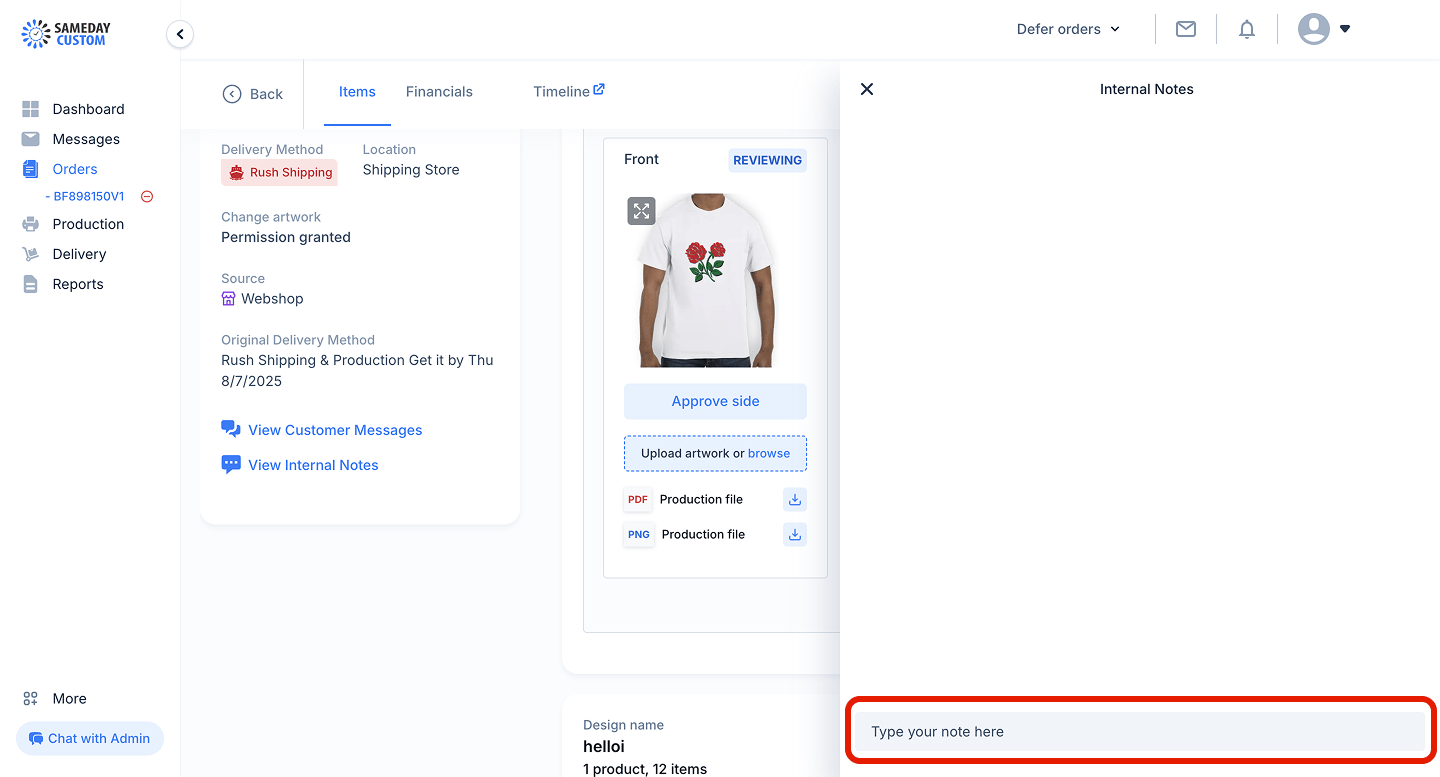
3
Add and save the note
Start typing your note and click Save note when done. You can also add images and files.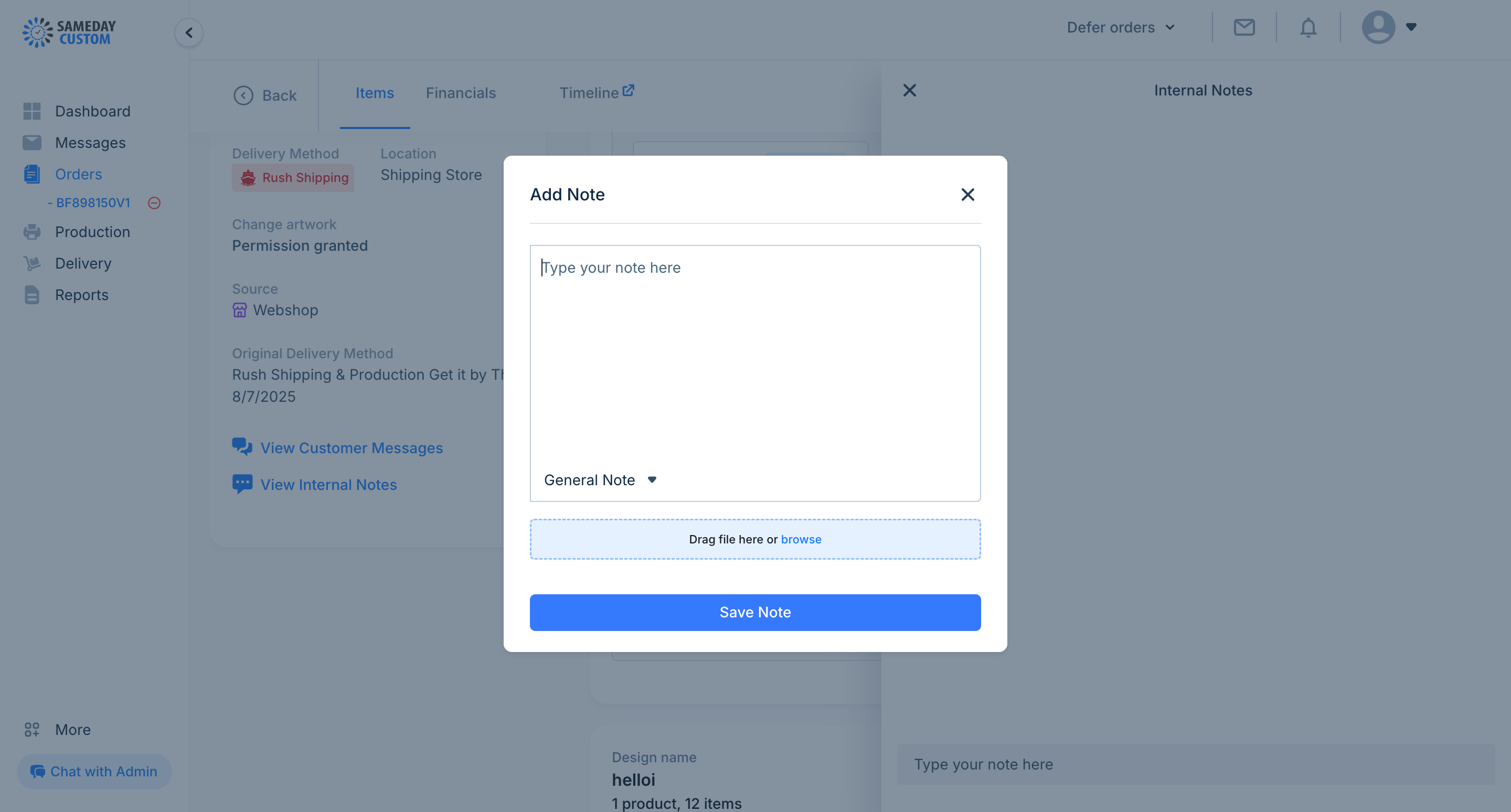
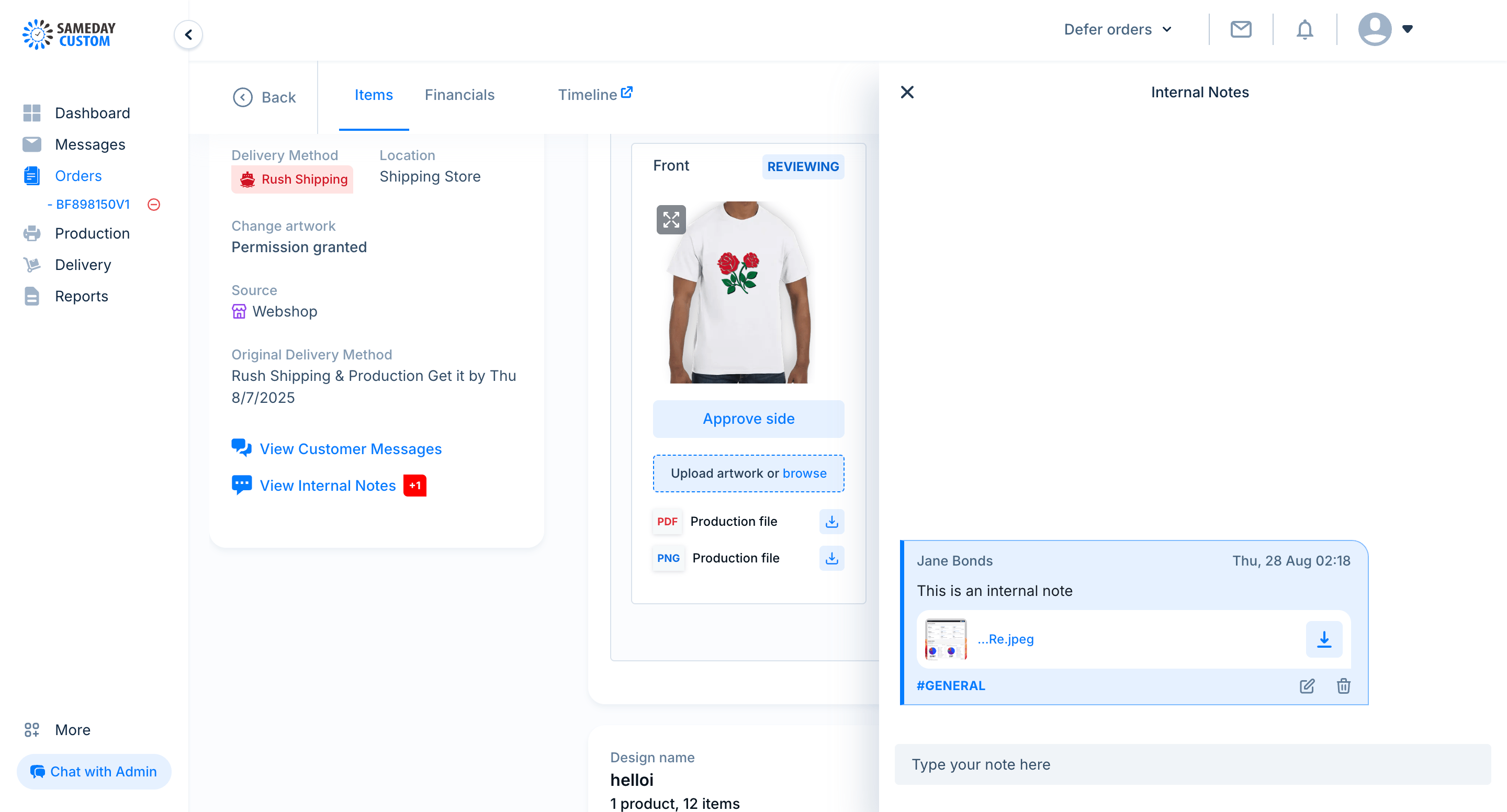
Add your internal note here
Example of an internal note